1
Set it once
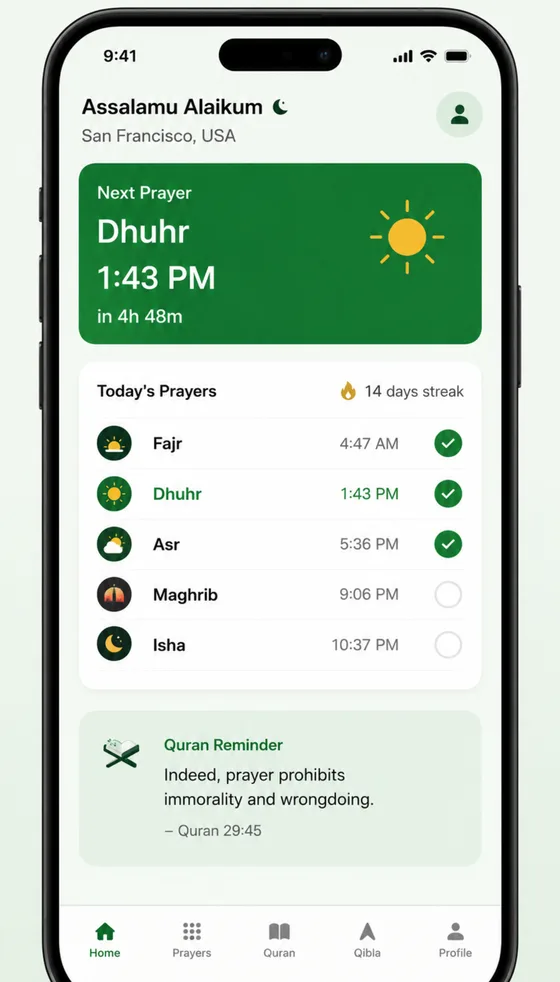
Allow location and Salah Alarm works out the exact Fajr, Dhuhr, Asr, Maghrib and Isha times for your city, every day.
Salah Alarm
The prayer alarm that only stops when you reach your prayer mat. Answer a few questions and we'll build your plan.
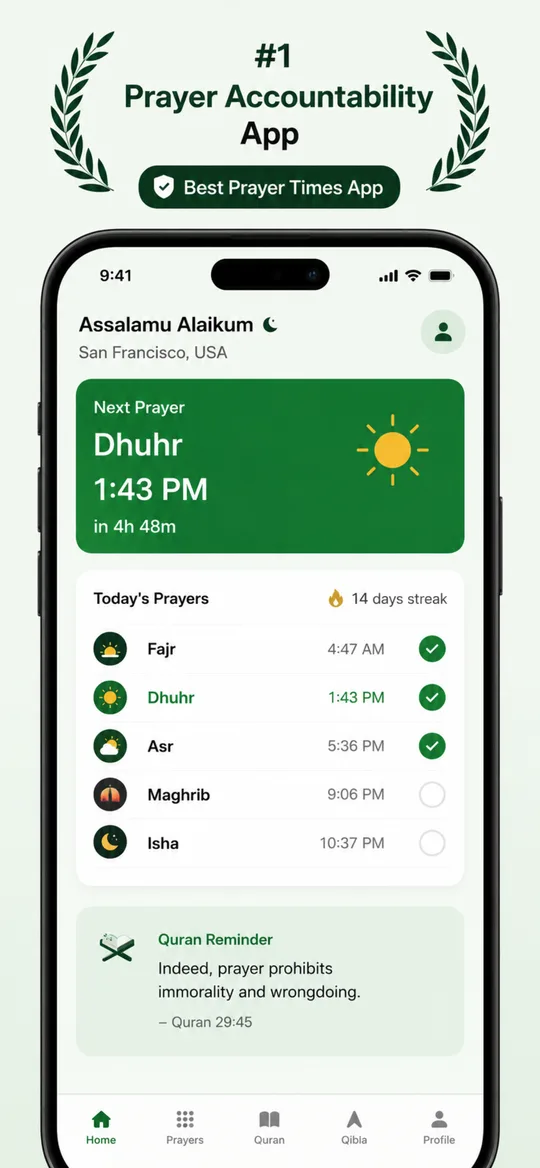
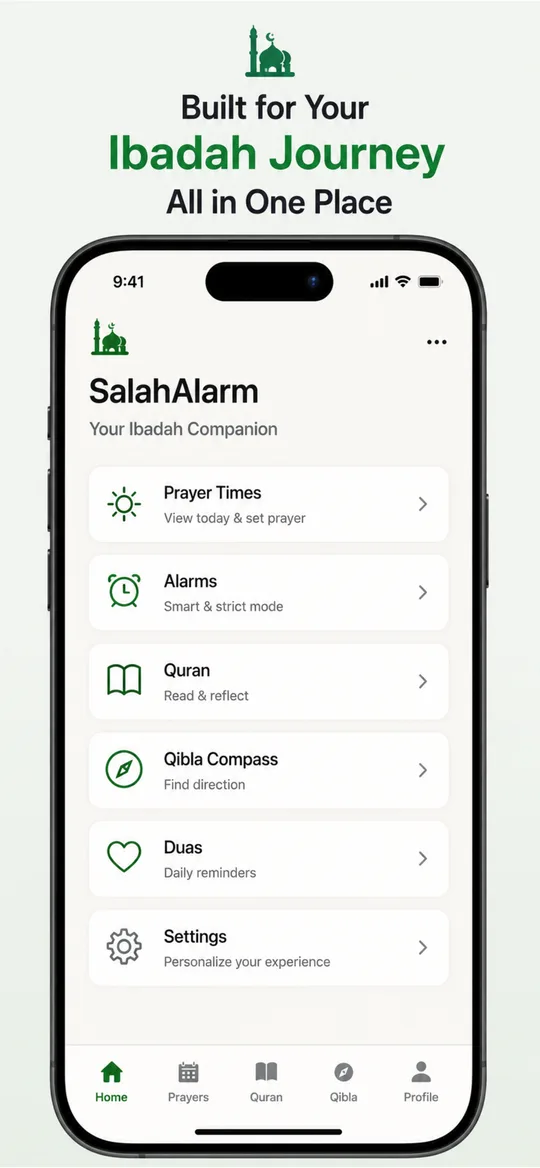
The adhan alarm that only stops when you reach your prayer mat. Exact prayer times for your city, SalahLock, streaks, Quran and Qibla in one app.
Why normal alarms fail
How it works
1
Allow location and Salah Alarm works out the exact Fajr, Dhuhr, Asr, Maghrib and Isha times for your city, every day.
2
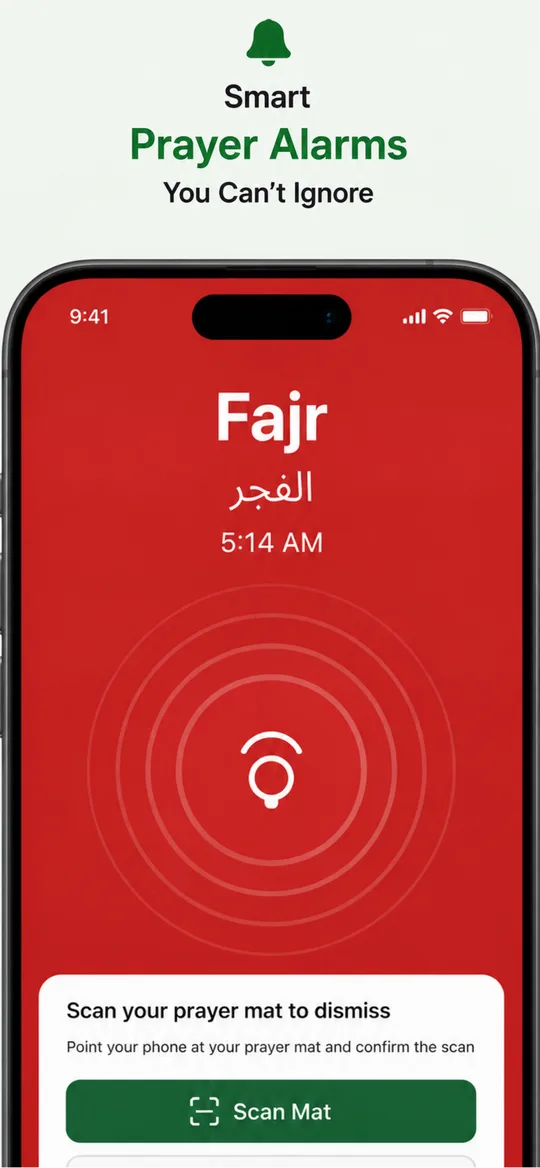
At Fajr the adhan plays as a full alarm. In strict mode there is no snooze: it keeps ringing until you get up.
3
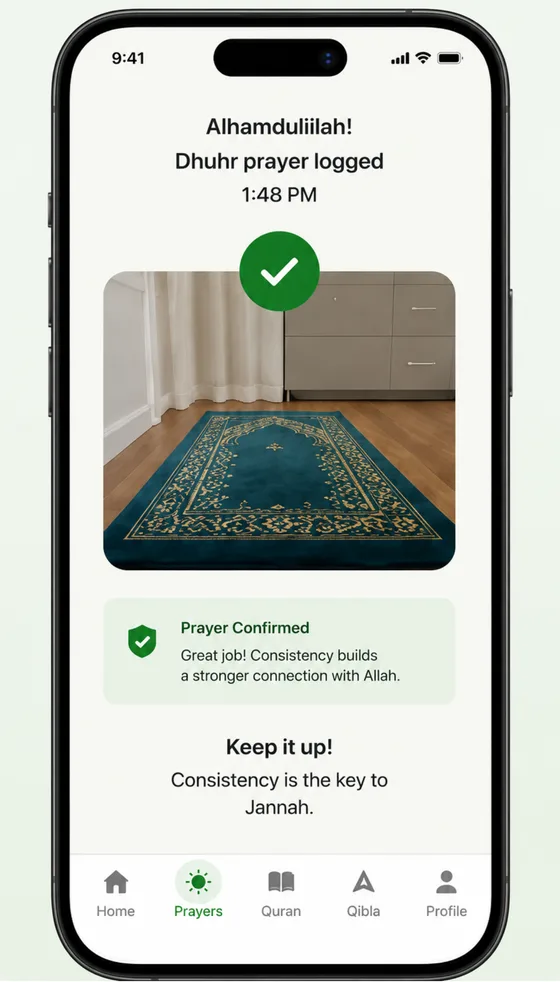
The alarm stops only when you scan your prayer mat. By then you are up, standing where you pray.
SalahLock
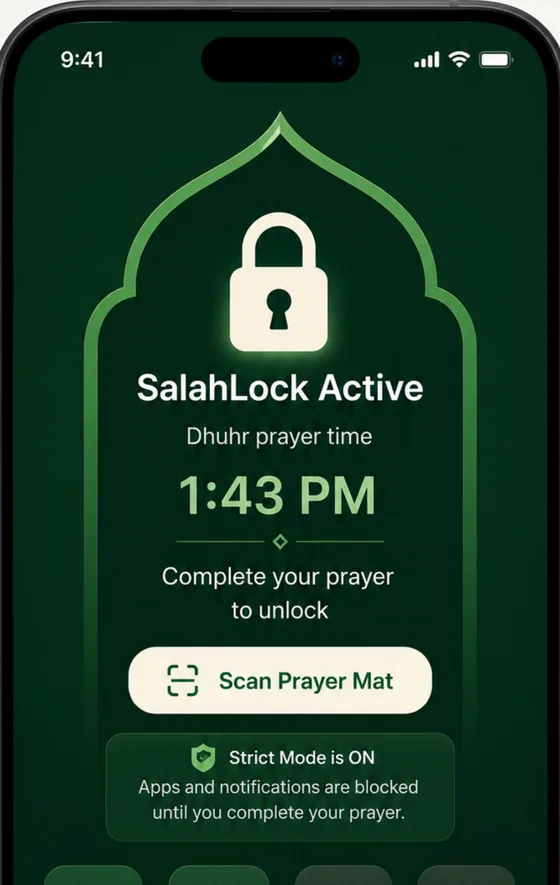
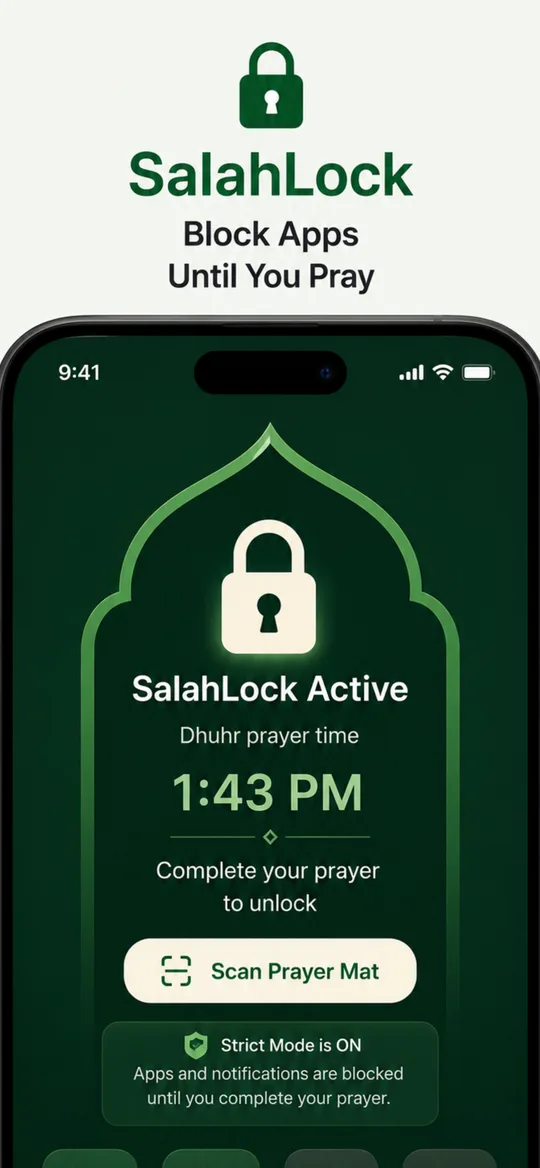
When prayer time arrives, SalahLock blocks the apps that steal your attention. Scan your prayer mat when you have prayed and everything unlocks.
Everything for your salah
Calculated for your location every day, with Muslim World League, Umm al-Qura, Egyptian, ISNA, Diyanet and other methods.
Every prayer can ring with a full adhan, not a notification you swipe away.
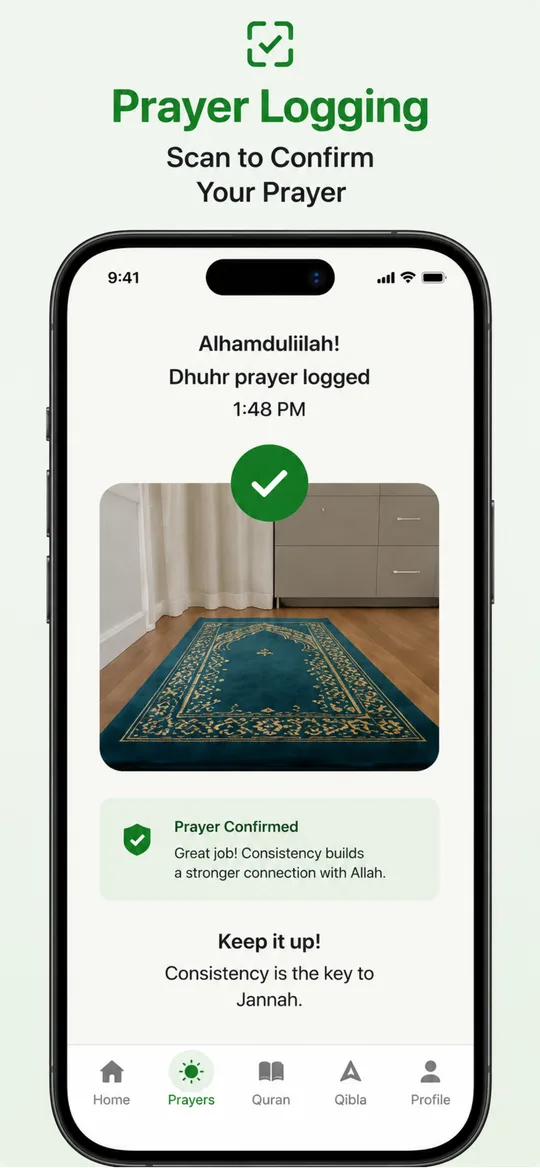
Point your camera at your prayer mat to stop the alarm and log the prayer.
Block distracting apps when prayer time arrives, until you have prayed.
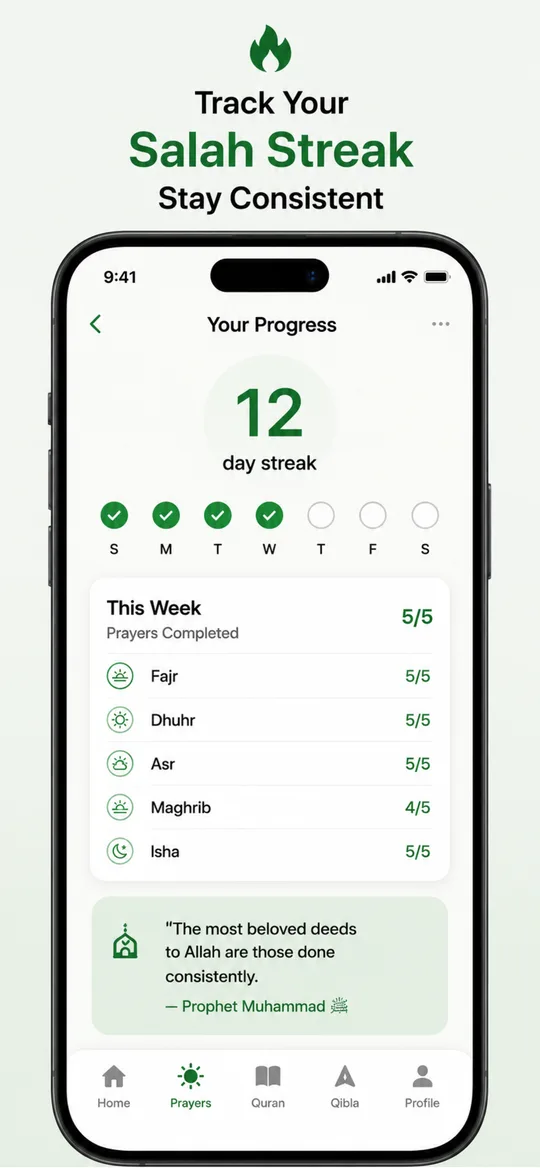
See every prayer you completed this week and keep the chain going.
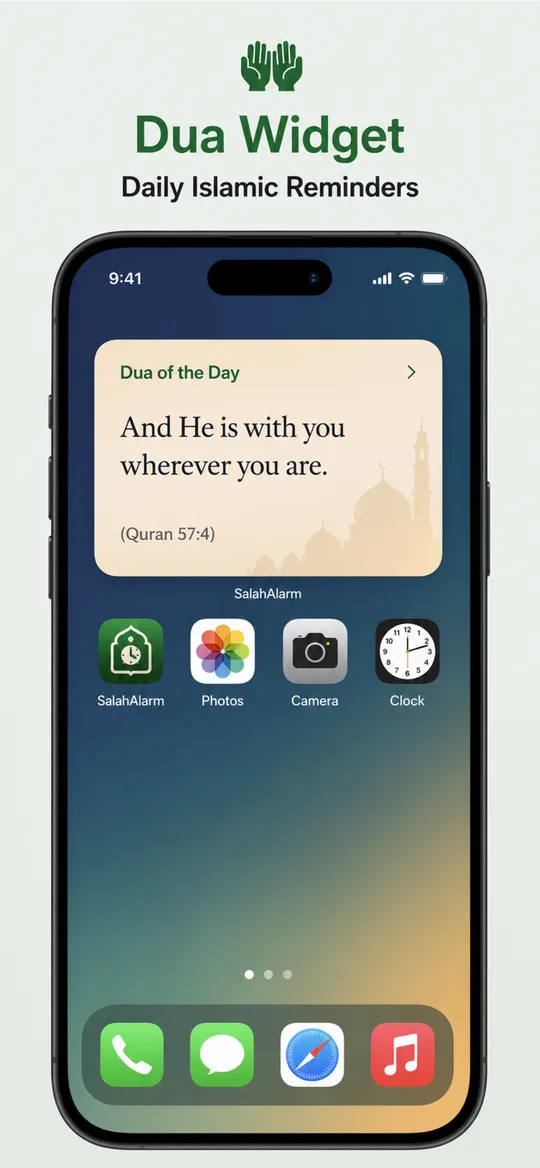
Read and reflect, with a daily ayah reminder on your home screen.
Find the Qibla anywhere, at home or travelling.
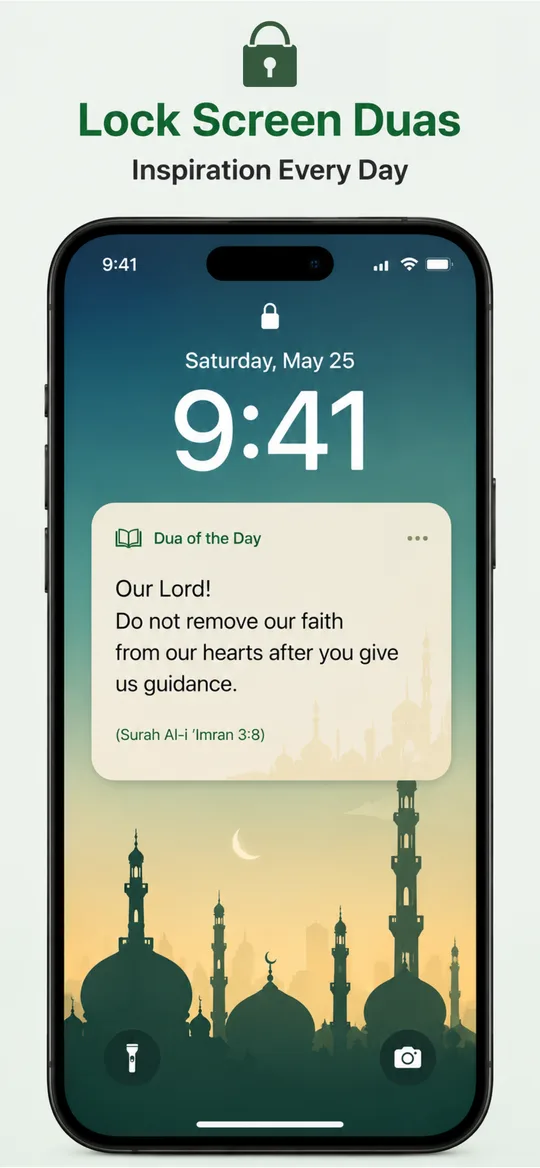
A dua of the day on your lock screen and home screen.
Ramadan 2027
Suhoor is won or lost the same way Fajr is: in the first minute after the alarm. Build the habit now and the month will feel easy.
Win a free Makkah trip in the 90-day prayer challenge Ramadan 2027 dates and how to prepareGuides
How to pray the Eid prayer, step by step. The two rakahs and extra takbirs, when Eid salah starts, the khutbah, and the sunnahs of the morning of Eid.
Read moreA simple Quran reading schedule for Ramadan 2027. Finish the whole Quran in 30 days with 4 pages after each prayer, plus plans for two khatams or a gentler pace.
Read moreWhat breaks your fast in Ramadan, and what does not? The main things that invalidate a fast, common mistakes like forgetful eating, and when to make up a day.
Read moreQuestions
When the alarm rings, point your phone camera at your prayer mat and confirm the scan. That stops the alarm and logs the prayer, so you have to get out of bed to switch it off.
Salah Alarm is free to download. Some features, such as SalahLock and advanced alarms, are part of an optional Premium subscription.
Muslim World League, Umm al-Qura (Makkah), Egyptian General Authority, ISNA (North America), Diyanet (Turkey), Kuwait, Qatar, Dubai, Singapore and more. Choose the one your local mosque follows.
Salah Alarm shows the imsak time and sends a reminder 30 minutes before it, so you get a nudge for suhoor. The adhan alarm at Fajr then makes sure you still pray on time.
Yes. Salah Alarm is available for Android and for iPhone. Tap Get it for Android to set up your account and start, or get the iPhone app from the App Store.
English, Arabic, Turkish, Indonesian and Urdu.
Exact prayer times for your city and an adhan alarm that only stops at your prayer mat.